Prove • A Scalable Solution For Streamlined Auditing

Prove is a digital platform that streamlines the agricultural audit process by digitizing forms and providing centralized storage. The mission was to create a user-friendly platform that could scale to support auditing across all industries.
Role • Lead UX/UI Designer
Duration • 4 Weeks
Tools • Figma

The Problem

The agriculture industry relies heavily on paper-based audits that are both inefficient and error-prone. The management of paper forms is challenging and often leads to inaccuracies in data. Farmers are often caught off guard during audits due to the lack of clear instructions and information, resulting in time-consuming and inefficient processes.
01
Research
02
Define
03
Ideate
04
Design

01

Research

User Personas

The Farmer

John is a third-generation dairy farmer who has been running his farm for over 30 years. He inherited the farm from his father and takes great pride in continuing the family tradition. John runs a medium-sized farm with 150 cows and employs three full-time farmhands. He has a deep knowledge of dairy farming and the local market, but he is not very tech-savvy.

Wants

  • A simpler way to keep track of all the required documentation for audits.
  • Clear instructions and guidance on what is required for audits.
    A solution that saves time and reduces the risk of errors or mistakes.

Frustrations

  • Struggles to keep track of paperwork and occasionally misplaces important documents.
  • Finds it time-consuming and frustrating to fill out and submit paper-based audit forms.
    Feels overwhelmed by the amount of paperwork and documentation required for audits.

The Auditor

Rachel has been an auditor for 10 years and is well-versed in auditing standards and procedures. She is responsible for conducting audits at various farms, including dairy farms. Rachel is 35-years old and has a degree in agricultural science and has worked for various auditing firms throughout her career.

Wants

  • A digital platform that is user-friendly and easy to navigate.
    Access to up-to-date and accurate information about farms and their practices.
    A streamlined process for reviewing and approving audits.

Frustrations

  • Dealing with paper-based forms that are time-consuming and prone to errors.
    Incomplete or inaccurate information from farmers.

02

Define

Defining the product

Working closely with the product owners, I helped develop the product architecture while keeping the end-users’ needs and business objectives in mind. By creating a visual representation of the product pages and user flow on a whiteboard, we were able to compile a comprehensive list of features and determine their priority. Our efforts allowed us to gain a clear understanding of the product’s functionality.

To showcase both mobile and desktop, the supplier interface would be mobile and the auditor interface would be desktop.

Desktop

Page
Action

Mobile

Page
Action

03

Ideate

Once the product structure was established, I converted the designs into wireframes and validated them against the research. I collaborated with the product owners to ensure their approval before moving forward with the next steps.

Wireframes

04

Design

The central theme of the platform is built around trust, which is paramount for users when authenticating and verifying their products. We aimed to create a design that would reflect the agricultural landscape, while also providing a versatile palette to accommodate expansion into other industries. We chose blue as the primary color, which symbolizes trust and can be found in nature. The complementary orange color provides a natural yet striking contrast to the palette.

Hi-Fi Designs

Onboarding

The onboarding process is straightforward and follows a standard flow. Users select whether they are a supplier or manager and then proceed to fill out the account creation form.

Dashboard

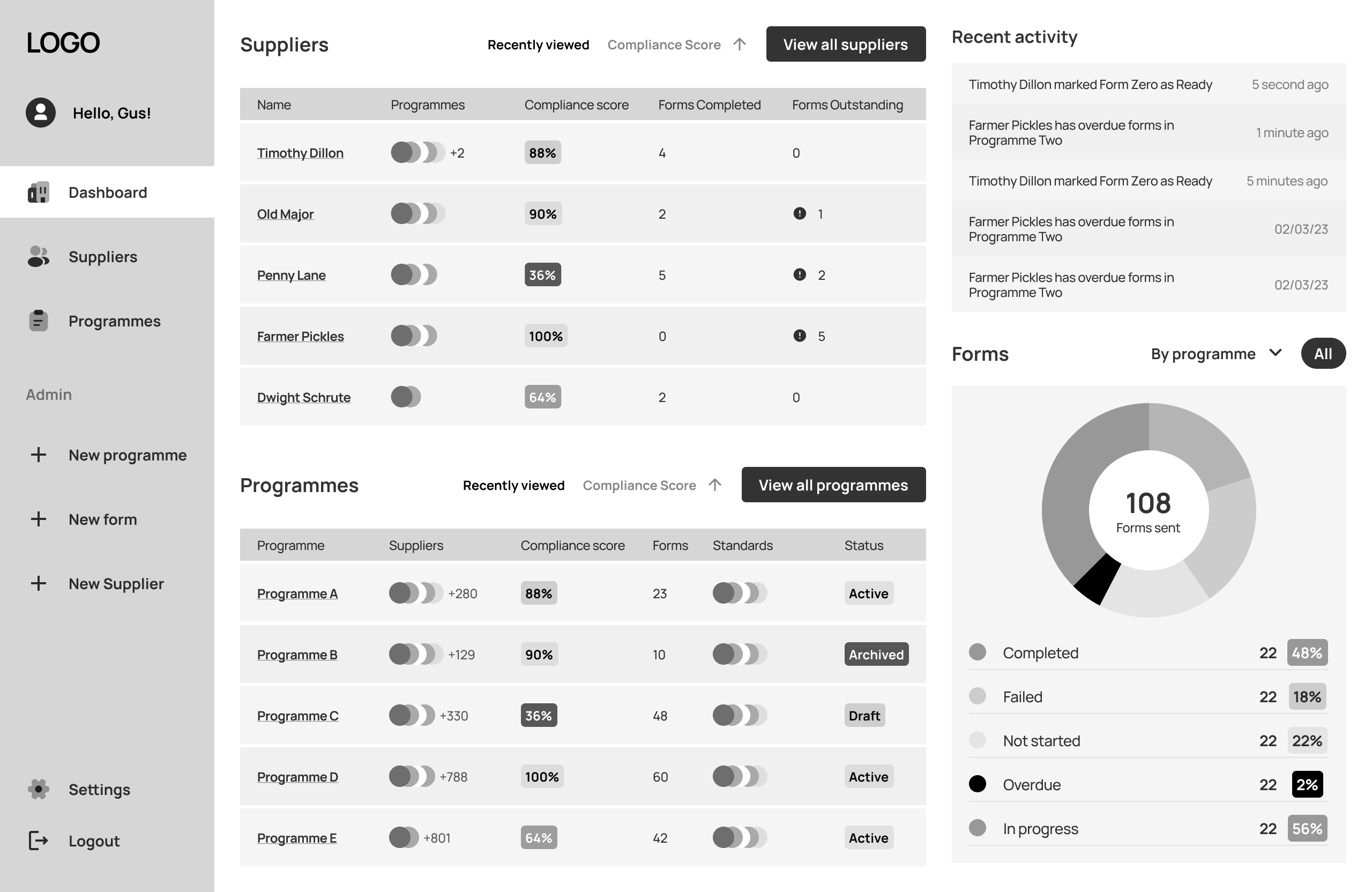
The dashboard offers suppliers a quick overview of their programs, suppliers, and recent activity. It helps suppliers stay organized and informed about their suppliers compliance status, allowing them to identify and address issues in a timely manner. This in turn can help to improve overall supplier performance and ensure regulatory compliance.

Suppliers

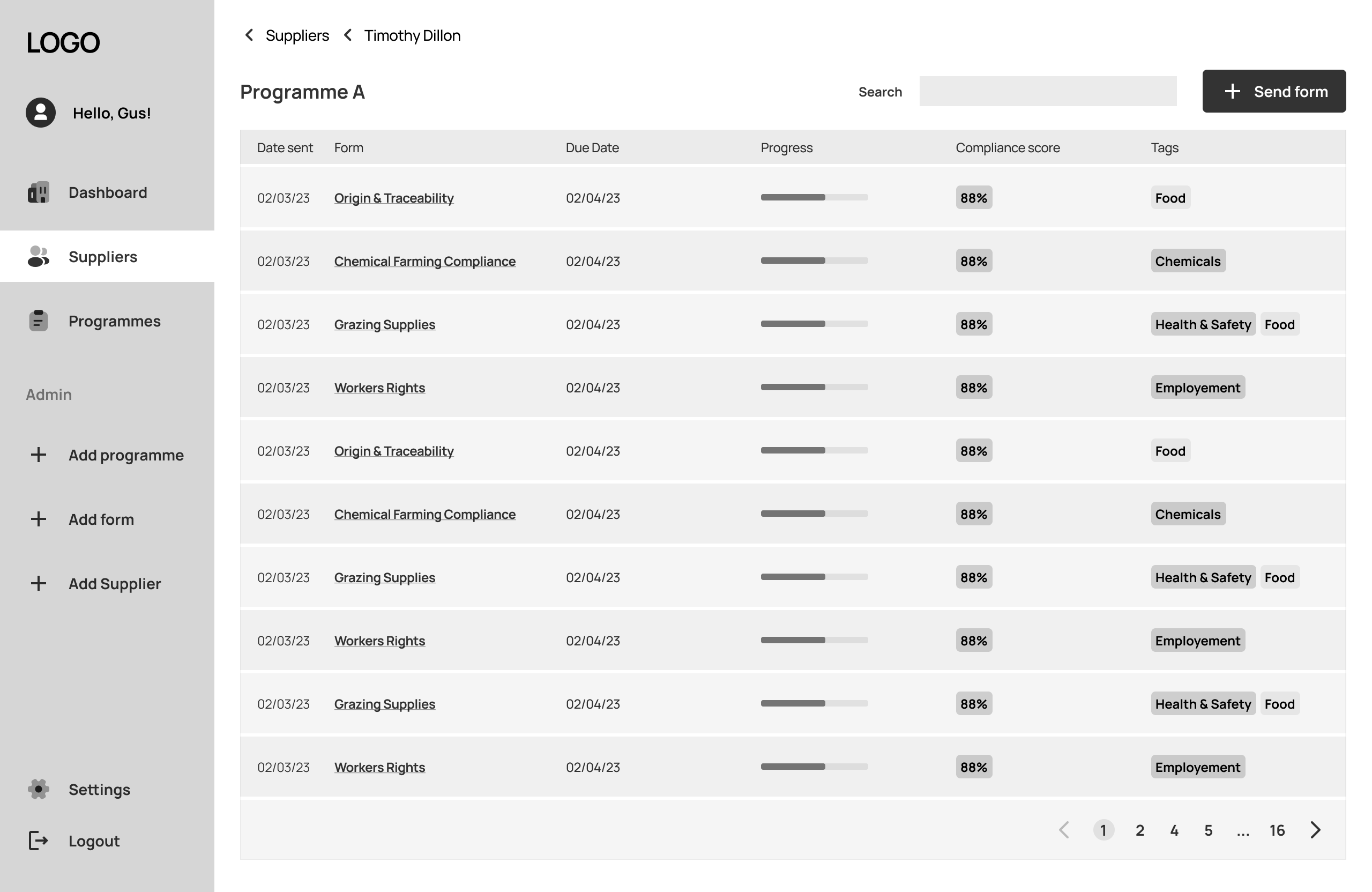
The suppliers page displays a list of all suppliers managed by the auditor, providing essential information such as their enrolled programs, form progress status, and any overdue forms. Additionally, users can add new suppliers from here.

Programs

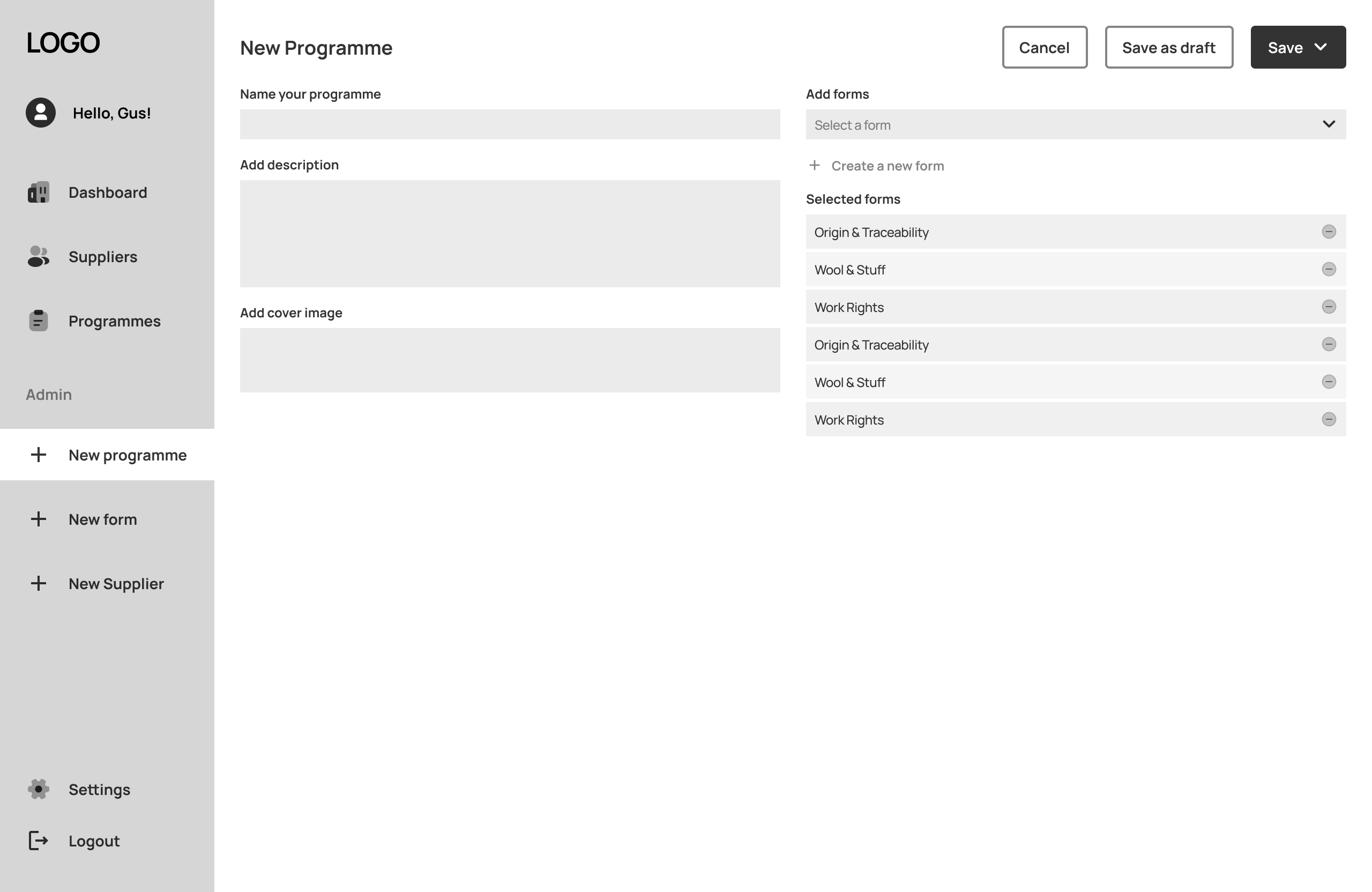
Users can view a list of all programs and their compliance status on the program landing page. Upon accessing a specific program page, users can view all the forms associated with the program and which suppliers have received them. Additionally, they can add new forms as needed.

Forms

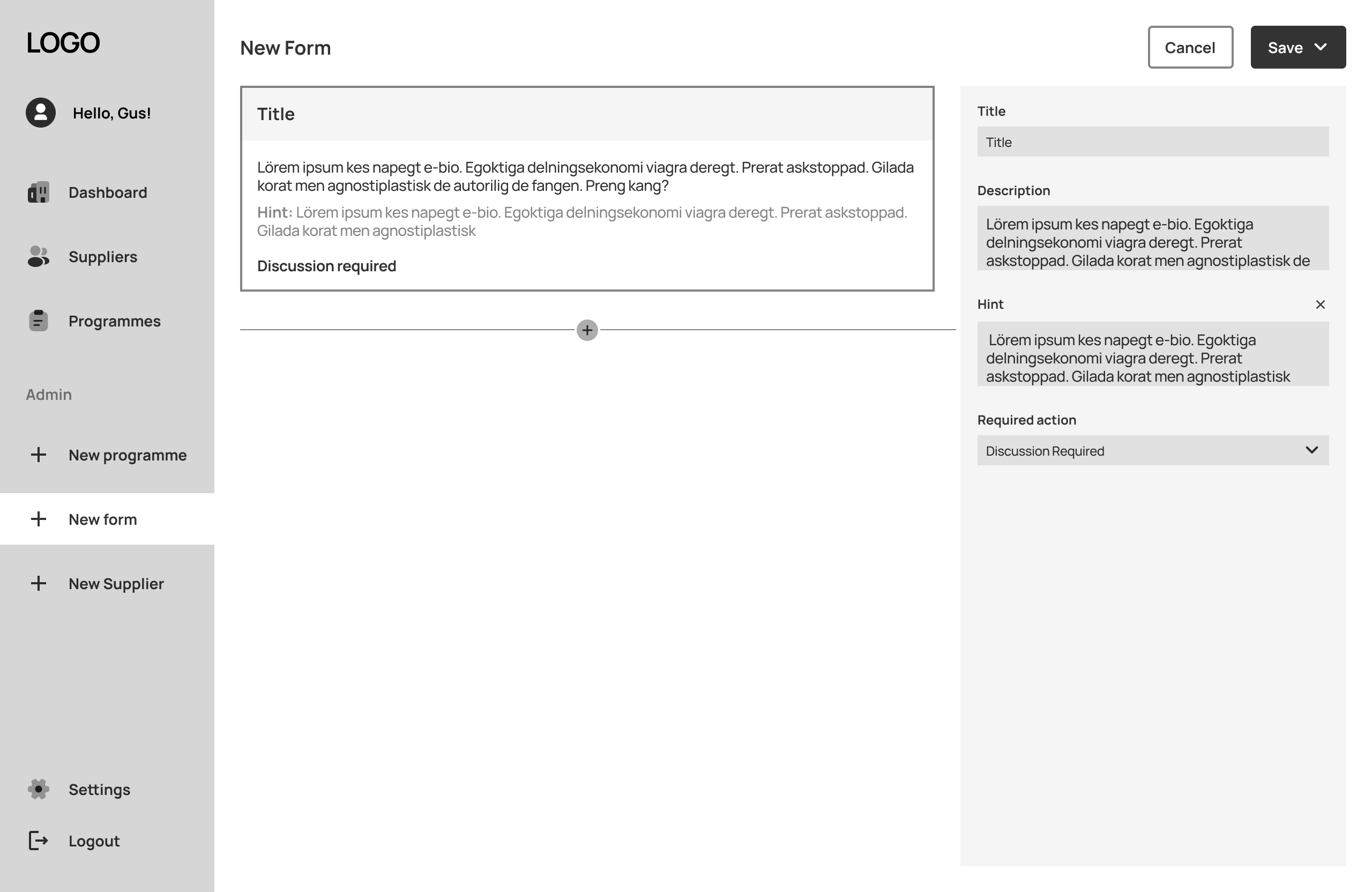
The form builder enables users to create customized forms by selecting the program, question type, and adding necessary information to a template. They can add as many questions as they need, duplicate previous forms or questions, and send them to suppliers. Additionally, they can reuse previous questions in new forms.

Onboarding

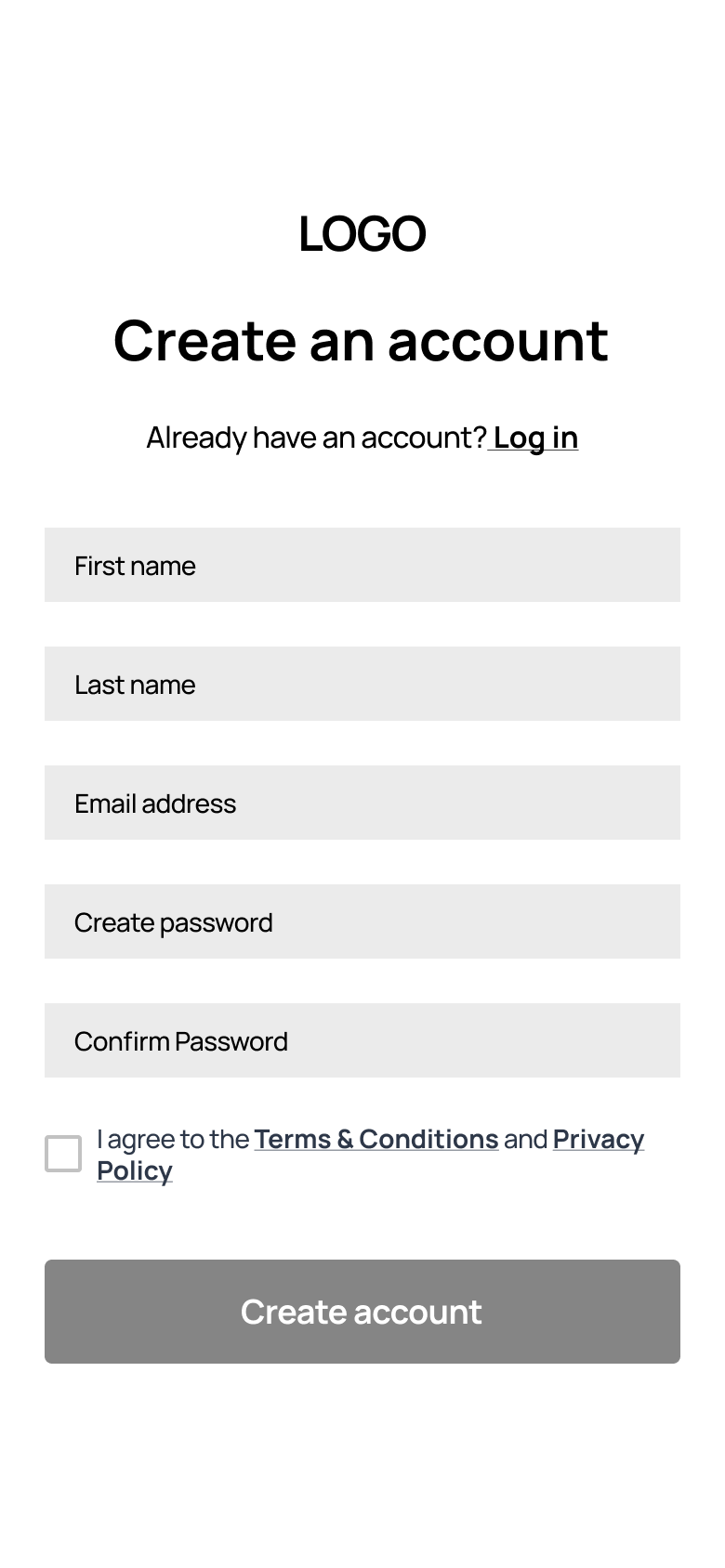
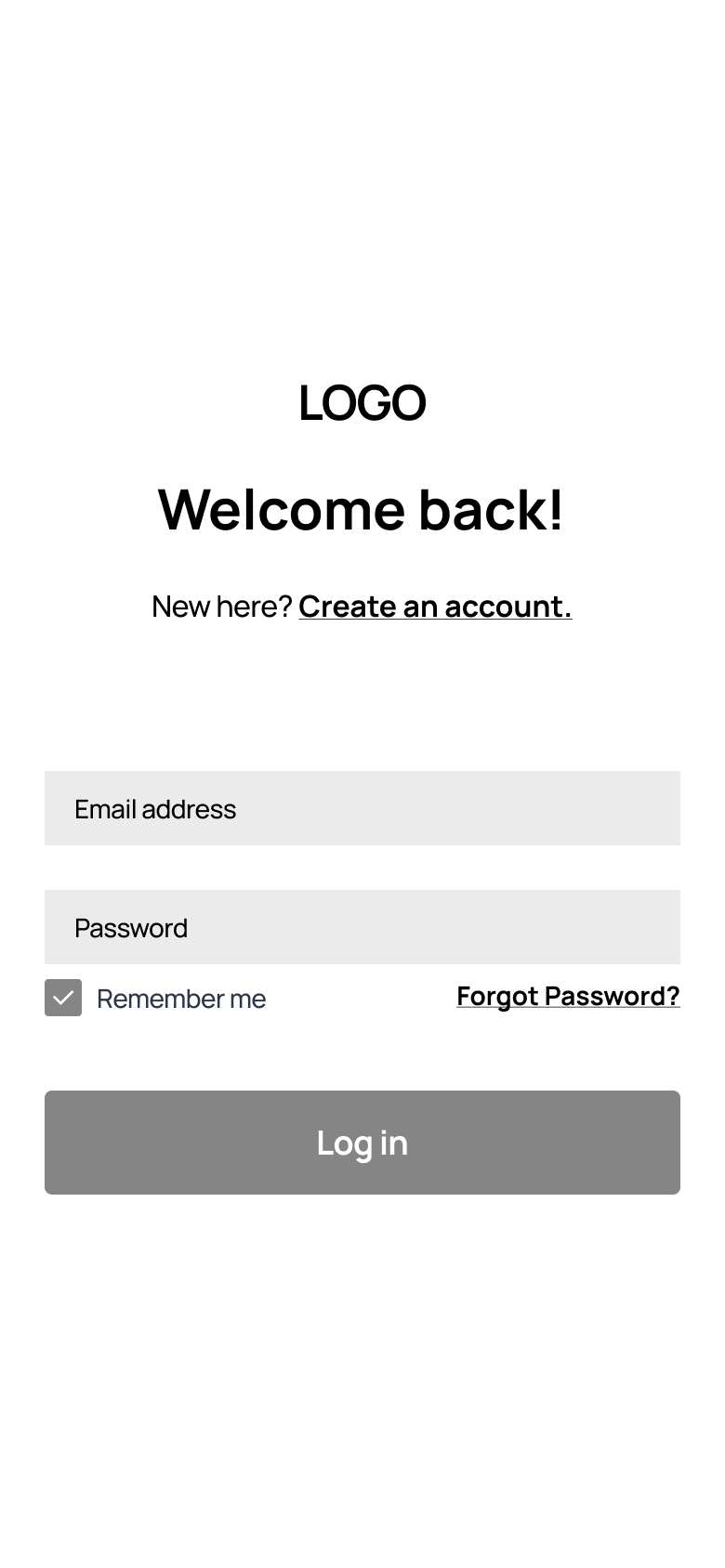
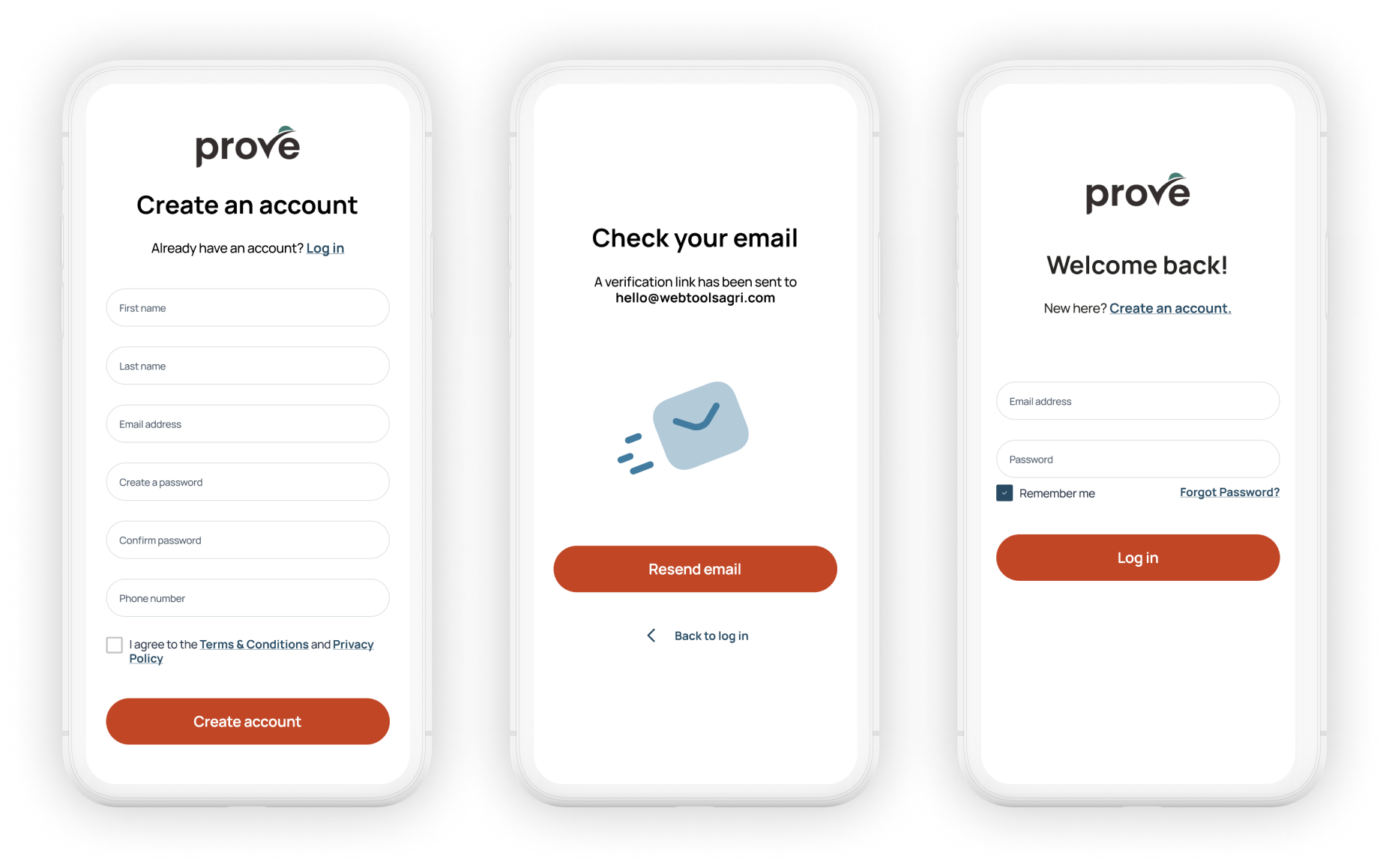
The onboarding process follows a standard flow with the user providing basic information to create an account.

Dashboard

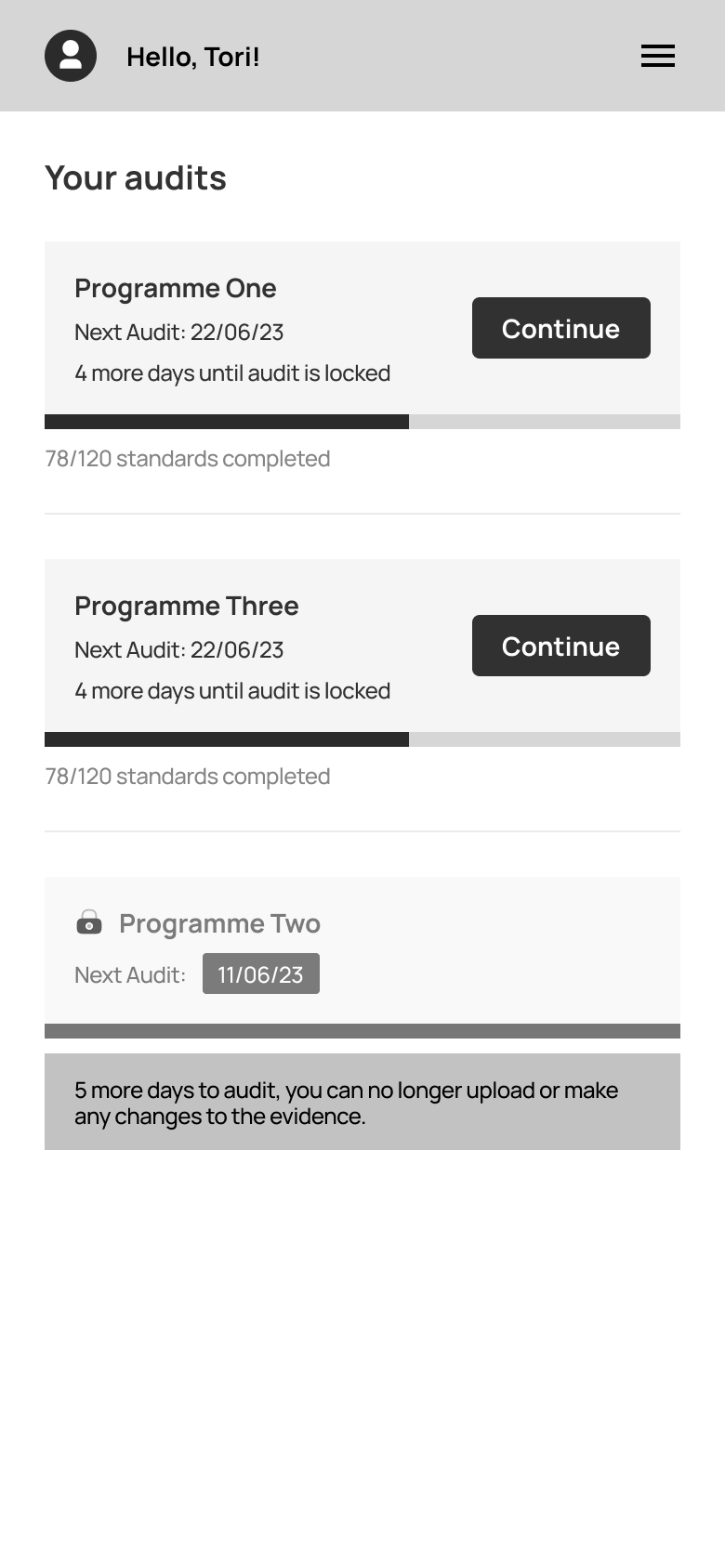
The homepage features a to-do list arranged in order of due dates, designed to offer a clear direction to the user when they open the app. There are no other elements included on the homepage to ensure a streamlined user experience.

Forms

A list of questions is presented in the form, allowing the user to navigate through it with ease. The user has the flexibility to exit the form and resume at a later time. Upon completion, the user is directed to click the 'Mark as Complete' button.

Programs

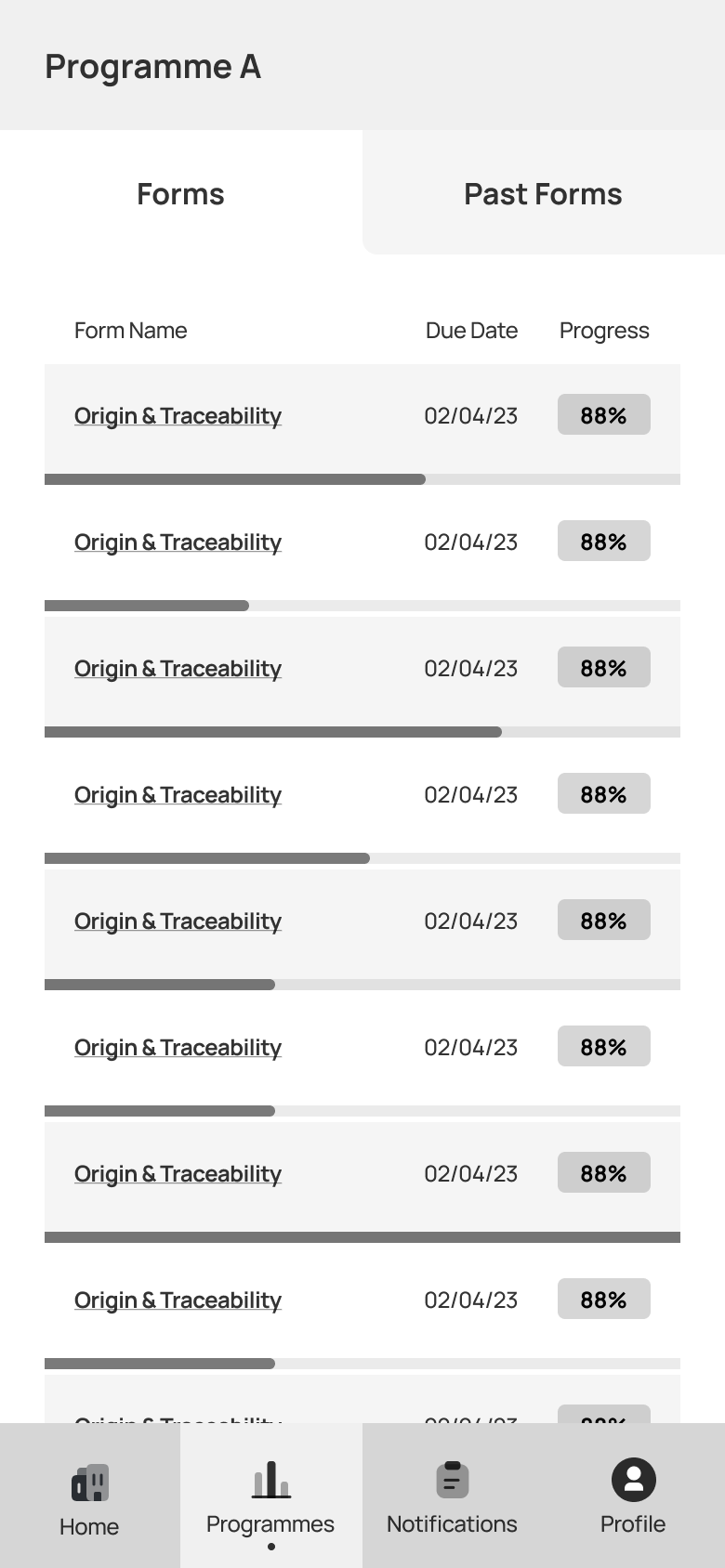
This page enables users to view the programs they are enrolled in and choose a specific program to access information regarding the required forms to be filled out and their progress status.